Did You Mean localhost?
If you landed here after typing locallhost, localhost.com, or a broken local URL, correct it first. This tool keeps your path and query string, then lets you choose when to open the real local address.
Step 1: Request detected
You reached Locallhost.im, not localhost
Check the IP, request line, and headers first. This page does not redirect automatically.
HTTP request headers
Sensitive headers such as cookies and authorization tokens are filtered before display.
Step 2: Choose where to go
Review the preserved path, then open the local address manually.
Loading...http://localhost/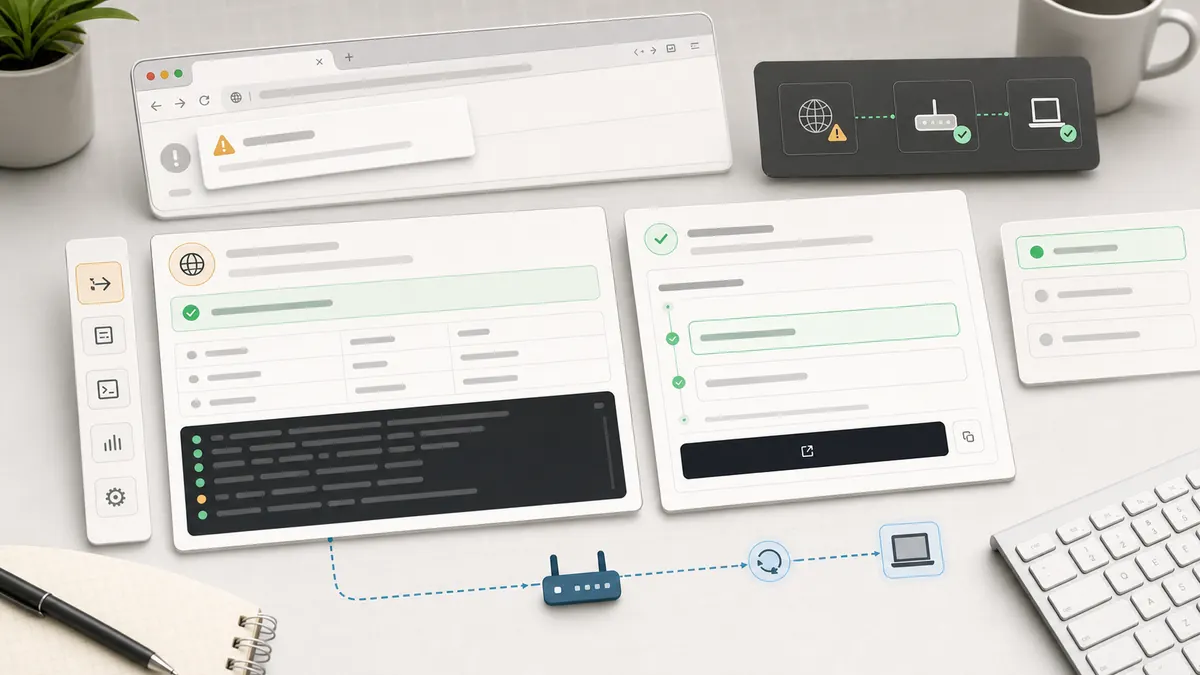
Request-first workflow
Detect the mistake before opening your machine
A localhost typo is easy to miss because the URL still looks technical. The safer flow is to show the request, preserve the path and query string, then let the user decide whether to open the local address.
Show the received request
IP, request line, host, language, user agent, and safe headers confirm what actually reached this site.
Keep the useful part of the URL
Paths like /api, /admin, or ?m=20161107 are preserved in the manual localhost target.
Open localhost only when you choose
No script sends you away. The open buttons are plain links so the final action stays visible and reversible.
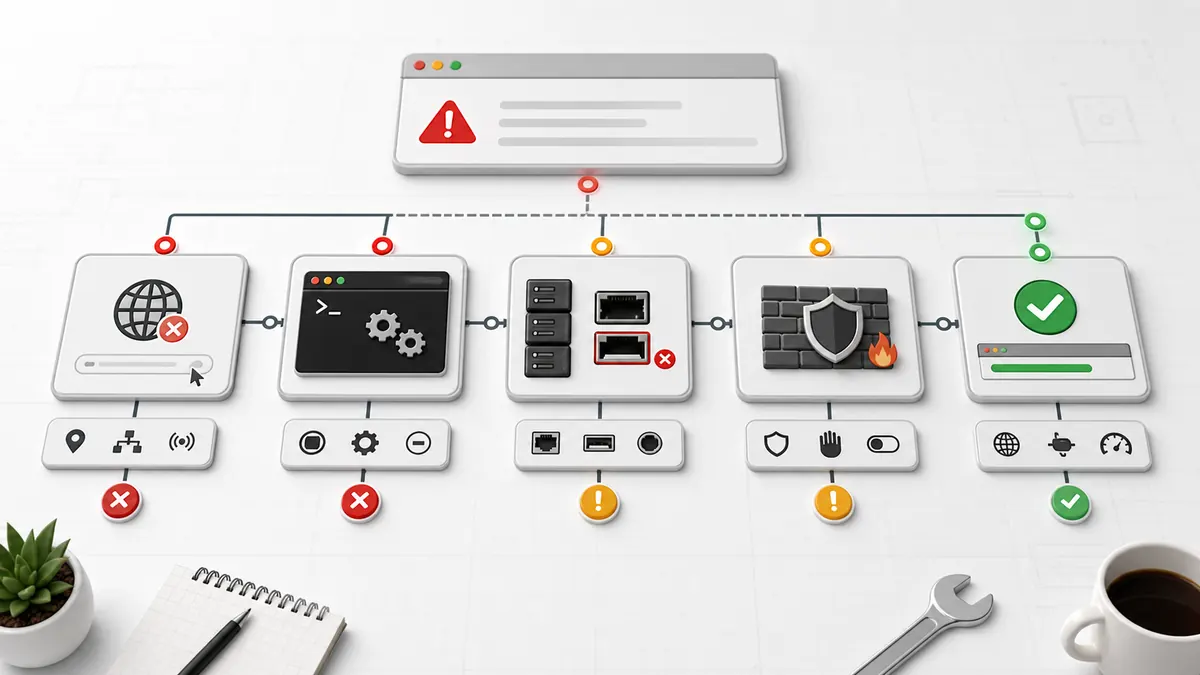
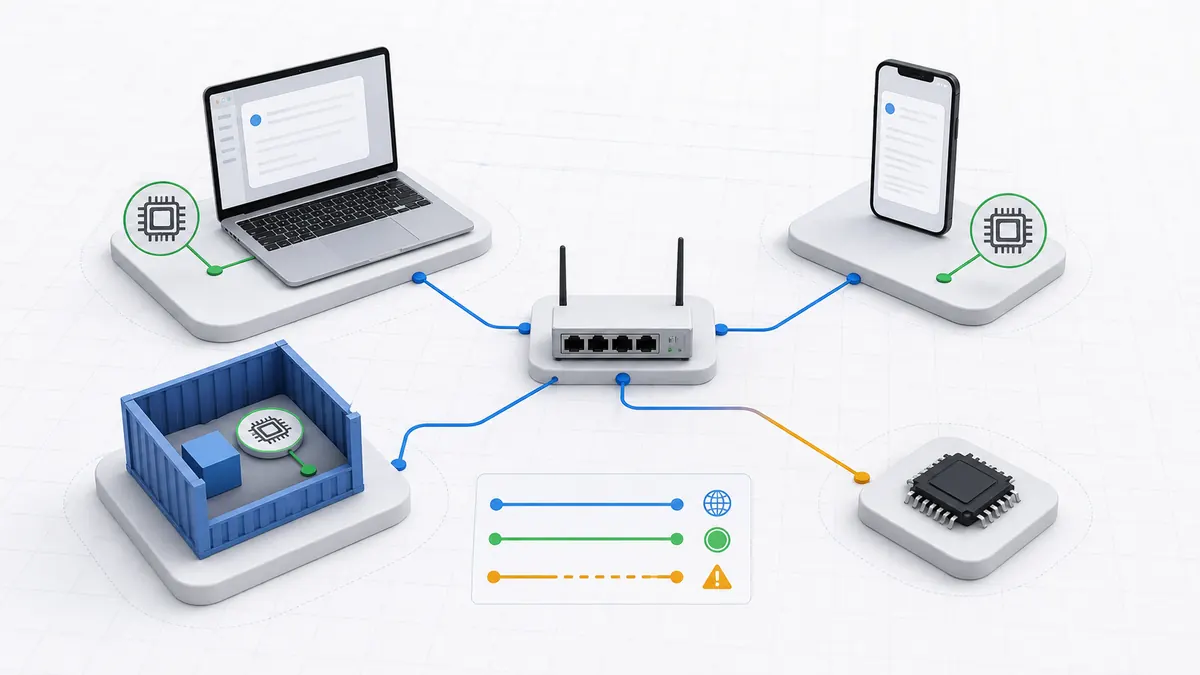
Visual debugging map
The common localhost problems are different routes
Ports, paths, server processes, phones, and containers fail for different reasons. The guides below are grouped around those actual jobs instead of repeating the same localhost definition.

Port lookup
What are you trying to open?
Search a common localhost port, see whether it is usually a browser page or a service port, and copy a quick check command for macOS or Linux.
Troubleshooting
Common localhost problems
Localhost refused to connect
Service stopped, wrong port, or blocked connection.
Open guide GuideLocalhost not working
A quick diagnostic path for the common cases.
Open guide MobileOpen localhost from phone
Use your computer LAN IP instead of localhost.
Open guide DockerDocker localhost issue
Container localhost is not always your host machine.
Open guide Comparelocalhost vs 127.0.0.1
Understand names, loopback IPs, and when they differ.
Open guide TypoCommon localhost typos
locallhost, localhos, lcoalhost, and related mistakes.
Open guideDeveloper tools
A focused localhost toolbox
The first release focuses on localhost-specific jobs instead of generic formatter tools. Each tool page links back to the relevant error, port, or path guide.
Localhost URL Builder
Build the right protocol, host, port, and path.
Port Meaning Lookup
Check what a localhost port is commonly used for.
Request Header Viewer
Inspect IP, request line, safe headers, and browser context.
Check Localhost Port
Generate the right port and process check for macOS, Linux, or Windows.
SEO architecture
The content matrix is grouped by intent
The site combines the typo-fix behavior of a simple localhost correction page with the long-tail structure of a developer help hub. New pages should only be added when the user job is different.
Ports
Explain what each localhost port usually means and how to open or troubleshoot it.
Problems
Give fast diagnostic flows for errors developers and beginners search for.
Tools
Keep users on the site with focused localhost debugging utilities.
FAQ
Frequently asked questions
Is locallhost.im the same as localhost?
No. Locallhost.im is a public helper site. localhost is the special local hostname that points back to your own computer.
Does this page redirect me automatically?
No. Locallhost.im shows what the server received first. You only leave the page if you manually click the localhost or 127.0.0.1 link.
Why did I land here instead of my local app?
Your browser reached a public domain, not your computer loopback address. That usually happens after typing locallhost, localhost.com, a copied typo, or a URL without the exact local port.
Can this page see my full HTTP request headers?
Yes. The request inspection panel reads the IP, request line, host, user agent, accept-language value, and safe HTTP headers from the same request received by this site. Sensitive headers such as cookies and authorization are filtered before display.
Does Locallhost.im use a third-party IP lookup service?
No. The IP shown is read from the same request received by this site. Locallhost.im uses Pageview for basic pageview analytics, but the request inspector does not call a third-party IP lookup API.
Why does localhost:3000 or localhost:8080 not open?
Usually the local server is not running, the port changed, the protocol is wrong, or the path is wrong. Copy the exact URL printed by your terminal first.
Can I share a localhost link with someone else?
Not directly. Localhost points to the visitor own computer. Use a deployed URL, tunnel, or LAN IP when another device needs access.
Why does localhost on my phone not open the app on my laptop?
On a phone, localhost means the phone itself. Use your laptop LAN IP plus the same port, and make sure the dev server accepts network connections.
Why is Docker localhost different?
Inside a container, localhost points to that container. Use the right host alias, published port, or container network name depending on which side makes the request.